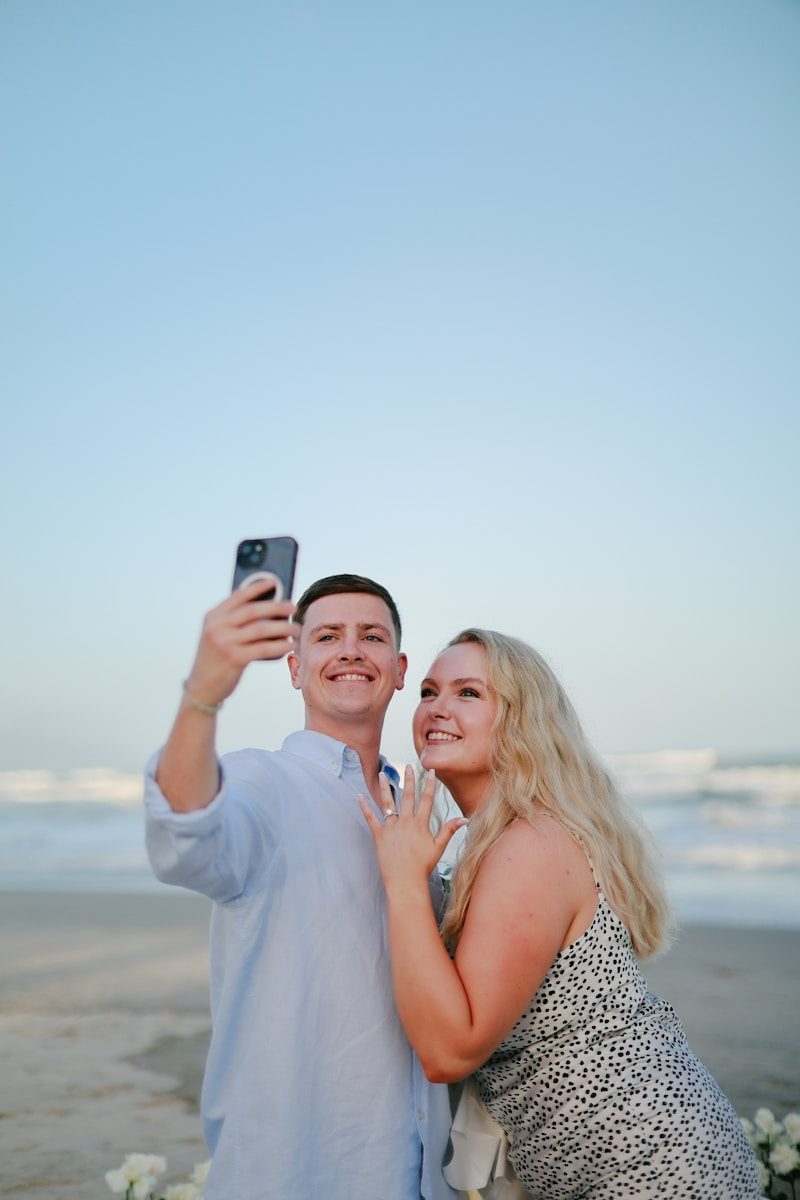
How to Take Better Selfies – The Ultimate Guide to Perfect Portraits
Key Takeaways: How to Take Better Selfies
To take better selfies, prioritize natural lighting by facing a window, find your “good side” by slightly tilting your chin down, and use the rear camera for higher resolution. Small adjustments in posture and background clutter can instantly elevate a casual snapshot into a professional-looking portrait.
How to Take Better Selfies by Mastering Your Light
If you want to know how to take better selfies, the very first thing you need to look at isn’t your phone settings—it’s the sun. Light is the “make or break” factor in photography. You can have the latest flagship smartphone, but if you are standing under a harsh fluorescent bulb in a windowless bathroom, the photo is going to look grainy and flat.
The best light for a selfie is soft, diffused, and directional. This is why “Golden Hour”—that period just before sunset—is so famous. The light is warm and hits your face at an angle that minimizes shadows under the eyes. If you are indoors, stand about three feet away from a window. Facing the window directly fills in fine lines and makes your eyes sparkle. Whatever you do, avoid overhead lighting, which creates “raccoon eyes” by casting deep shadows in your eye sockets.
Finding Your Best Angles and Posture
We all have a “good side,” and finding yours is a rite of passage. Most people’s faces are asymmetrical, and one side usually feels more balanced than the other. When figuring out how to take better selfies, try the “Rule of Thirds.” Instead of putting your face dead center, position yourself slightly to the left or right of the frame. This creates a more dynamic and interesting composition.
- The Chin Tilt: Instead of pulling your head back (which can create the illusion of a double chin), push your face slightly forward and tilt your chin down just a hair. This elongates the neck and sharpens the jawline.
- The Shoulder Turn: Standing dead-on to the camera can make you look wider. Turn your shoulders at a 45-degree angle to the lens for a slimmer, more candid silhouette.
- The High Angle: Holding the phone slightly above eye level is a classic trick because it makes your eyes look larger and helps define your facial structure. Just don’t go too high, or you’ll look like you’re in a 2005 music video.
Technical Tweaks for Better Image Quality
It is tempting to use the front-facing “selfie camera” because you can see yourself, but that camera is almost always inferior to the lenses on the back of the phone. According to photography experts at PetaPixel, rear cameras have larger sensors and better glass, which results in more detail and better color accuracy.
If you must use the front camera, make sure you clean the lens. Our phones live in our pockets and hands, meaning the lens is constantly covered in fingerprint oil. A quick wipe with a soft cloth can instantly remove that “hazy” or “dreamy” look that is actually just pocket lint and grease.
Quick Comparison: Front vs. Rear Camera
| Feature | Front-Facing Camera | Rear-Facing Camera |
| Convenience | High (Real-time preview) | Low (Blind shooting) |
| Resolution | Lower | Much Higher |
| Depth of Field | Mostly digital/fake | Natural bokeh (blur) |
| Low Light Performance | Poor | Superior |
How to Take Better Selfies with Composition and Backgrounds
A great selfie can be ruined by a messy bedroom or a literal trash can in the background. Your face should be the star, but the environment sets the mood. Look for “clean” backgrounds—a solid-colored wall, a lush green bush, or an interesting architectural texture.
Avoid “merges,” which happen when an object in the background looks like it is growing out of your head, such as a tree branch or a lamp. Checking your corners before you tap the shutter button saves you from having to crop the photo later and losing image quality.
Common Mistakes and Practical Fixes
Even the most photogenic people make mistakes. Here are a few things to watch out for:
- The “Death Grip”: Don’t squeeze your phone so hard that your knuckles turn white. It adds tension to your hand and arm that shows up in the frame. Use a pop-socket or a tripod for a more relaxed look.
- The Fake Smile: We all know the “cheese” smile. To get a natural look, close your eyes, take a breath, and open them right as you take the photo. It relaxes the muscles around your mouth.
- Over-Filtering: Using extreme “beauty” filters can make your skin look like plastic. It’s better to use light editing to adjust brightness and contrast rather than wiping away every human pore.
Essential Steps to a Perfect Shot
- Clean your lens: Use a microfiber cloth or your shirt to wipe away smudges.
- Find your light: Face a natural light source.
- Check the background: Remove any clutter or distracting objects.
- Set the focus: Tap your face on the screen to lock the focus and exposure.
- Relax your face: Press your tongue against the roof of your mouth to tighten the jawline.
- Take a burst: Hold the shutter button to take multiple frames so you can pick the best one.
Using Apps and Tools Wisely
While the “natural” look is trending, a little bit of post-processing goes a long way. Professional photographers often suggest using apps like Lightroom Mobile or Snapseed to bring out the colors. Adobe’s photography blog emphasizes that the goal of editing should be to enhance what is already there, not to change your face entirely. Adjusting the “Warmth” can make a cold, blue-ish photo feel more inviting, and adding a slight “Vignette” can draw the viewer’s eye toward your face.
Pros and Cons of Selfie Accessories
Ring Lights
- Pros: Consistent light regardless of the time of day; creates “cool” circular highlights in the eyes.
- Cons: Can look artificial; often requires a power outlet.
Selfie Sticks
- Pros: Great for group shots; allows for wider architectural backgrounds.
- Cons: Can be bulky to carry; some public places ban them.
Bluetooth Remotes
- Pros: Allows for full-body “candid” shots without needing a timer.
- Cons: One more thing to charge; easy to lose.
Frequently Asked Questions
Why do I look different in selfies than in the mirror?
This is due to the “mere-exposure effect.” You are used to seeing your reflected image in the mirror. When a camera takes a photo, it captures you how the world sees you (non-flipped). Most phones have a setting to “mirror” your front camera photos so they look more familiar to you.
How do I take a good selfie if I’m shy?
Start by looking away from the lens. Looking down or to the side creates a “lifestyle” or candid vibe that feels less intense than staring directly into the camera. You can also use your hand to partially cover your face or hold a coffee cup to give your hands something to do.
What is the best time of day for outdoor selfies?
The hour after sunrise and the hour before sunset are ideal. If you have to take a photo at noon when the sun is directly overhead, find a “shaded” area under a tree or building. This provides “open shade,” which is very flattering and soft.
Should I use the flash?
Generally, no. The front-facing flash on most phones is just a white screen that fires at full brightness. It often washes out skin tones and creates “red-eye.” Only use it as a last resort in total darkness.
How do I avoid a blurry photo?
Blur usually comes from camera shake. Use a timer (3 or 10 seconds) so you aren’t shaking the phone when you tap the screen. If it’s dark, your camera’s shutter stays open longer, so you need to keep your hands as still as possible or prop the phone against a solid object.
Learning how to take better selfies is really just about understanding the basic principles of portraiture and applying them to your smartphone. By focusing on light, angles, and a clean background, you can transform your digital presence and feel more confident every time you flip the camera around.