
Residential vs. Datacenter Proxies: How to Bypass IP Bans and Scale Web Scraping
If you’ve ever tried scaling a web scraping project, managing multiple social media accounts, or comparing regional e-commerce pricing, you’ve likely run head-first into a digital brick wall: CAPTCHAs, IP bans, and rate limits.
The web is more guarded today than ever before. Websites employ sophisticated anti-bot systems, geo-restrictions, and rate-limiting measures designed to keep automated traffic out. Whether you’re a digital marketer, a data engineer, an e-commerce owner, or a cybersecurity researcher, navigating these barriers requires a reliable setup.
That’s where proxies come in. But not all proxies are built equal. Choosing the wrong type—or using an unreliable service—can cost you time, money, and burnt IP addresses.
Here is a complete breakdown of how proxies work, the crucial differences between residential and datacenter options, how to avoid common pitfalls, and how to set up your proxy architecture for seamless digital operations.
What Is a Proxy Server and How Does It Work?
At its core, a proxy server acts as an intermediary gateway between your computer and the internet. When you send a request without a proxy, your internet connection directly contacts the target server. That server sees your real IP address, your approximate physical location, and details about your network.
When you use a proxy, your request follows a simple multi-step route:
- Step 1: Your device sends a web request to the proxy server.
- Step 2: The proxy server evaluates the request, replaces your real IP address with its own, and forwards it to the target website.
- Step 3: The target website processes the request and sends the data back to the proxy server.
- Step 4: The proxy server delivers that data back to your device.
To the destination website, you appear to be browsing from the proxy’s location and IP address, keeping your origin masked and your actual infrastructure secure.
Why Modern Businesses Rely on Proxies
Why spend resources setting up proxy infrastructure in the first place? Beyond simple anonymity, proxies are essential operational tools for modern online businesses.
1. Web Scraping & Data Extraction
Data drives market intelligence, SEO analysis, machine learning models, and dynamic pricing strategies. However, scraping thousands of pages from a single IP address will get you blocked almost instantly. Rotating proxies allow you to distribute requests across hundreds or thousands of IP addresses, making your scraper look like normal, distinct visitors.
2. Geo-Targeting & Ad Verification
Ad fraud is a multi-billion-dollar issue. Advertisers use proxies to view their ads from different regions around the globe, ensuring that local campaigns display correctly and aren’t being hijacked by malicious actors.
3. E-Commerce Intelligence & Price Monitoring
Retailers constantly monitor competitor inventory levels and pricing strategies across local markets. Proxies enable continuous, automated price scraping without triggering anti-bot protections.
4. Managing Multiple Accounts
Managing dozens of client social media accounts or seller profiles from a single IP address often triggers suspicious activity flags. Assigning static, unique proxies to each account prevents linked account bans.
For those looking for a high-uptime, high-anonymity routing solution tailored for seamless data collection, checking out Stable Proxy is a great place to start building a robust network foundation.
Datacenter vs. Residential Proxies: Key Differences
Understanding the difference between datacenter and residential proxies is crucial for choosing the right tool for your project.
| Feature | Datacenter Proxies | Residential Proxies |
| IP Source | Cloud servers & data centers (AWS, DigitalOcean, etc.) | Real home devices (ISPs like Comcast, AT&T, Vodafone) |
| Speed & Bandwidth | Extremely fast, high bandwidth | Moderate speed, variable bandwidth |
| Detectability | Higher risk of detection | Extremely low risk (looks like real traffic) |
| Cost | Budget-friendly | Premium pricing (usually charged per GB) |
| Best Used For | Bulk scraping non-protected sites, speed-critical tasks | Strict anti-bot sites, geo-restricted content, ad verification |
Datacenter Proxies: Pure Speed and Power
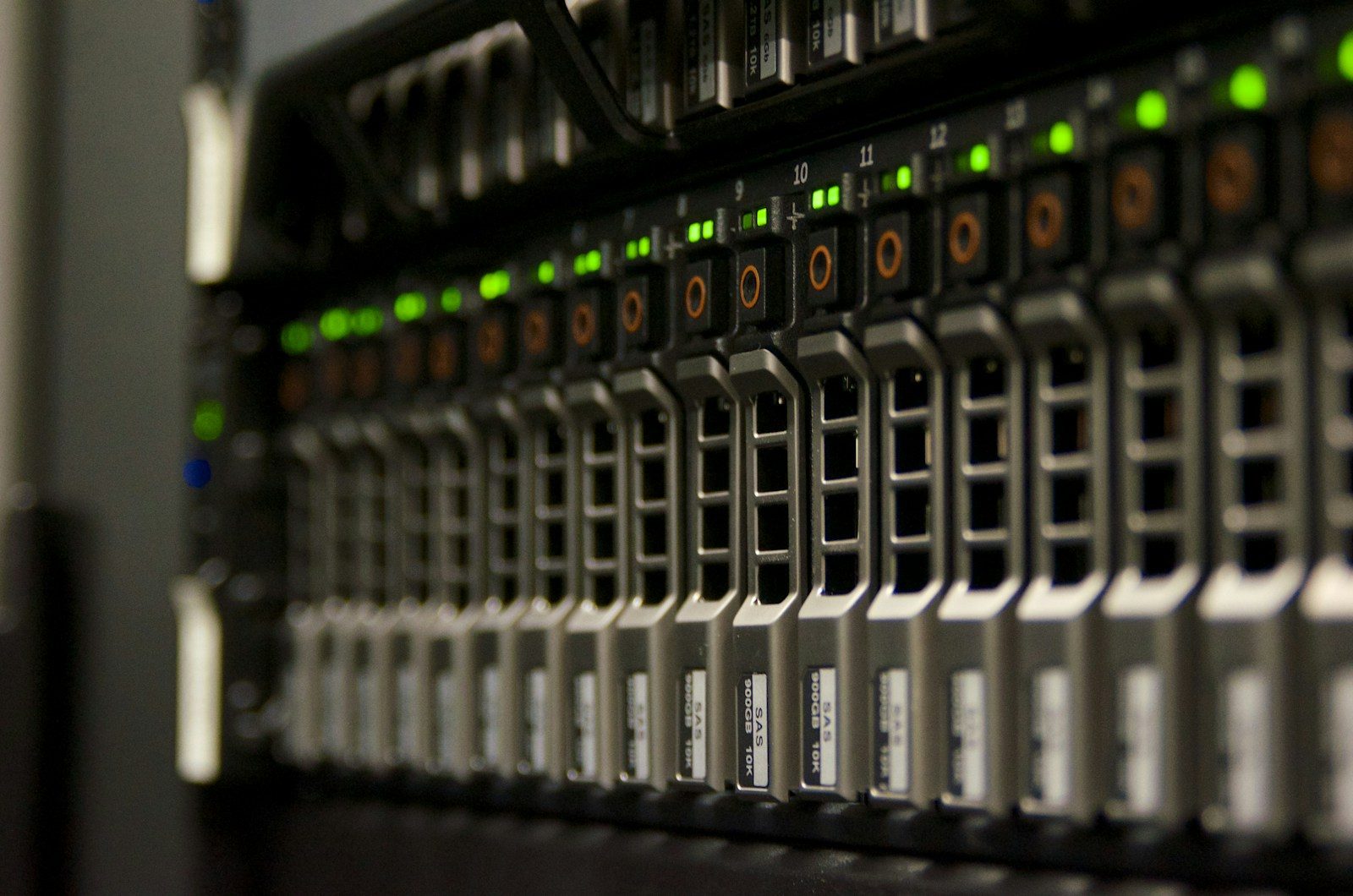
Datacenter proxies are not affiliated with Internet Service Providers (ISPs). They are created on servers housed in cloud data centers.
- Pros: Unbeatable speed, low latency, unlimited bandwidth options, and cost efficiency.
- Cons: Easily flagged by advanced anti-bot systems like Cloudflare or Akamai because their IP subnet blocks clearly belong to data centers.
Residential Proxies: High Anonymity and Authenticity
Residential proxies assign IP addresses provided by actual ISPs to real residential households.
- Pros: Virtually indistinguishable from regular user traffic. Highly effective at bypassing aggressive CAPTCHAs and security checks.
- Cons: Slower speeds compared to datacenter IPs and usually priced on a usage-based bandwidth model.
Rotational vs. Static Proxies: Which Routing Strategy Do You Need?
Once you pick an IP source, you need to decide how those IPs are delivered: Rotational or Static (Sticky).
Rotational Proxies
Rotational proxies automatically switch your IP address with every request or after a set time interval (such as every 5 minutes).
- Best for: High-volume web scraping, crawling massive e-commerce catalogs, and large-scale data aggregation where session persistence isn’t required.
Static (Sticky) Proxies
Static proxies allow you to keep the same IP address for an extended duration (minutes, hours, or indefinitely).
- Best for: Tasks requiring active logins, such as managing social media accounts, filling out multi-step forms, or completing checkout flows without getting logged out mid-session.
Common Mistakes to Avoid When Using Proxies
Setting up a proxy integration seems simple on paper, but a few small oversights can ruin your operation. Avoid these common traps:
1. Using Free or Public Proxies
Free public proxy lists might look attractive, but they are a massive security risk. Many are set up by malicious actors to log sensitive data, inject malware into HTTP responses, or capture login credentials. Furthermore, public proxies are slow, unreliable, and almost entirely blacklisted by major web platforms.
2. Ignoring HTTP Headers and Fingerprinting
Hiding your IP address is only half the battle. Modern security platforms track browser fingerprinting—evaluating your request headers (such as User-Agent or Accept-Language), TLS signatures, and JavaScript execution. If your proxy IP claims you are browsing from New York, but your request headers indicate automated software running on a cloud server, anti-bot systems will flag you immediately.
3. Setting Aggressive Request Speeds
Even with residential proxies, firing hundreds of requests per second at a single domain from the same session will result in instant rate-limiting. Always implement concurrency limits, random sleep delays, and proper session management.
Best Practices for Bypassing Blockades Safely
To ensure maximum success with your web automation, stick to these fundamental practices:
- Rotate User-Agents: Pair your rotating proxy pool with a dynamic pool of modern desktop and mobile User-Agent strings.
- Respect Robots.txt Guidelines: Check site policies and avoid overwhelming small servers with unnecessary traffic load.
- Handle Errors Gracefully: Set up retry logic that automatically switches to a fresh proxy IP whenever a request receives a 403 Forbidden, 429 Too Many Requests, or CAPTCHA response.
- Distribute Traffic Geographically: Match your proxy location to your target market. If you are scraping a local UK service, route your requests through UK-based IPs.
Choosing the Right Solution for Your Business
Finding the right proxy strategy comes down to balancing speed, budget, and detection risks. Datacenter proxies offer raw speed and unmatched cost savings for simple targets and bulk operations. On the other hand, residential proxies provide the high-trust footprint needed to scrape complex sites without getting blocked.
By auditing your data requirements, setting reasonable request speeds, and choosing reliable proxy networks, you can keep your data pipelines running smoothly around the clock.