Finding the Best Coding Fonts for Your Workflow
Key Takeaways: The best coding fonts are monospaced typefaces designed to maximize readability and reduce eye strain during long programming sessions. Top choices like Fira Code, JetBrains Mono, and Cascadia Code offer features like programming ligatures and distinct character shapes to help developers spot bugs faster.
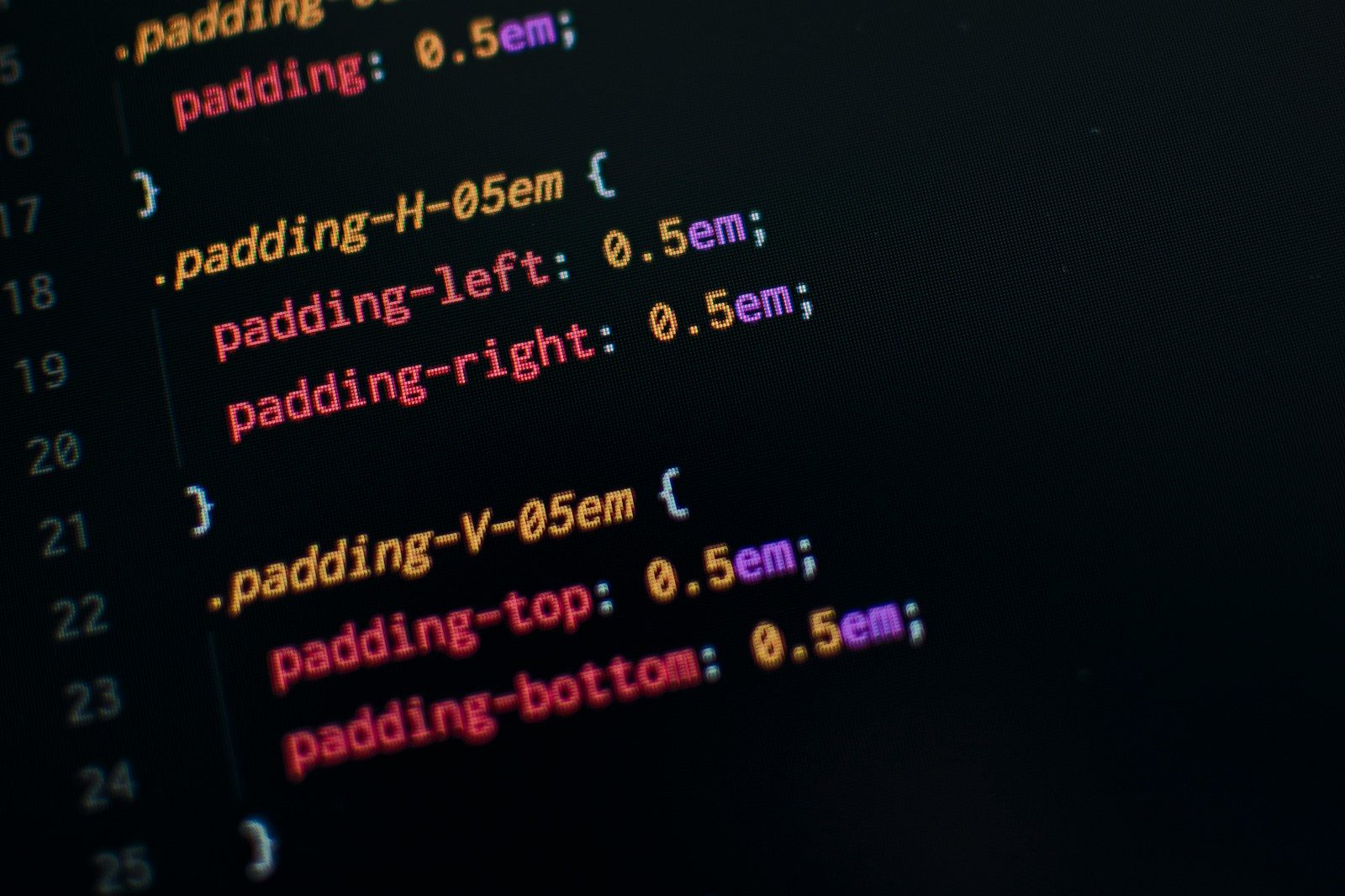
Selecting the best coding fonts is one of those deeply personal developer rituals, right up there with choosing a mechanical keyboard or a dark mode theme. It isn’t just about aesthetics; the right typeface is a functional tool. When you are staring at thousands of lines of code for eight hours a day, the subtle difference between a semicolon and a colon, or a capital ‘I’ and a lowercase ‘l’, can be the difference between a smooth deployment and a frantic Friday night debugging session.
Why Your Font Choice Actually Matters
Most people think a font is just a font, but for programmers, readability is synonymous with productivity. A high-quality monospaced font ensures that every character occupies the exact same amount of horizontal space. This creates a predictable grid, making it easier to maintain indentation and scan code structures.
Beyond the grid, modern typography has introduced “programming ligatures.” These are special characters that combine two or more symbols—like => or !=—into a single, visually distinct glyph. While some purists find them distracting, many developers swear by them for making logical operators pop off the screen.
Top Contenders for the Best Coding Fonts
There is no single winner, but a few typefaces have risen to the top of the community’s favorites list due to their balance of style and utility.
- Fira CodeOriginally based on Fira Mono from Mozilla, Fira Code is arguably the most famous font in the developer community. It was a pioneer in the use of ligatures. It turns common character sequences into clean symbols, which can significantly reduce the cognitive load of reading complex logic.
- JetBrains MonoCreated specifically for developers by the team behind IntelliJ and PyCharm, JetBrains Mono features a high “x-height.” This means the lowercase letters are taller than average, making them much clearer at smaller font sizes. It’s professional, modern, and built for heavy-duty work.
- Cascadia CodeMicrosoft’s contribution to the space, Cascadia Code, was released alongside the Windows Terminal. It’s a fun, slightly curvy font that feels very contemporary. It also comes in a “Code” version (with ligatures) and a “Mono” version (without), giving users the best of both worlds.
- Source Code ProDeveloped by Adobe, this font is a classic for a reason. It strikes a perfect balance between technical precision and organic design. It doesn’t have the flashy ligatures of Fira Code, but its clarity is nearly unmatched, especially on high-resolution displays.
- HackHack is an open-source project designed specifically for source code. It is highly customizable and looks great even on lower-resolution screens where other fonts might start to look blurry or “fuzzy.”
A Quick Comparison Table of Popular Typefaces
| Font Name | Ligature Support | Best For | License |
| Fira Code | Yes | Modern Web Dev | Open Source |
| JetBrains Mono | Yes | IDEs / Productivity | Open Source |
| Cascadia Code | Yes | Windows/Terminal | Open Source |
| Source Code Pro | No | Minimalist setups | Open Source |
| Hack | No | Low-res screens | Open Source |
The Science of Legibility
According to the experts at the Google Fonts Knowledge base, legibility is defined by how easily one individual character can be distinguished from another. In programming, this is vital for “confusable characters.”
A great coding font will ensure that:
- The number 0 is slashed or dotted so it doesn’t look like the letter O.
- The number 1, lowercase l, and uppercase I all have unique shapes.
- Punctuation marks like commas and periods are slightly oversized so they don’t disappear.
Steps to Test and Install New Fonts
If you are ready to upgrade your setup, the process is straightforward regardless of your operating system.
- Download the font files: Usually, these come in
.ttfor.otfformats. - Install on your OS: On Windows, right-click and select Install. On macOS, use the Font Book app.
- Update your Editor settings: Open your IDE (like VS Code or Sublime Text). Navigate to Settings and search for “Font Family.”
- Input the name: Type the name of the font exactly as it appears in your system (e.g., ‘JetBrains Mono’).
- Enable Ligatures: If your font supports them, look for a “Font Ligatures” checkbox and set it to true.
Common Mistakes When Choosing Typography
Even with the best coding fonts at your disposal, it is easy to make mistakes that lead to fatigue. One common error is setting the line height too tight. If your lines of code are practically touching, your eyes have to work much harder to track across the screen. Aim for a line height between 1.2 and 1.5.
Another mistake is ignoring “hinting.” Some fonts look great on a Mac but terrible on Windows because of how the operating systems render pixels. Always test a font in your specific environment for at least an hour before committing to it.
Pros and Cons of Programming Ligatures
Pros:
- Visual clarity for complex operators.
- Faster recognition of symbols like arrows and comparisons.
- Makes the code look “cleaner” and more like a mathematical proof.
Cons:
- Can be confusing for beginners who don’t recognize the original characters.
- May hide specific spacing issues in the source code.
- Not all editors or terminals support them perfectly.
Expert Recommendations for Different Environments
If you spend your time in a terminal (like iTerm2 or Windows Terminal), you might want a font that feels a bit “heavier.” Thick strokes are easier to read against high-contrast backgrounds. Meslo LG or Ubuntu Mono are fantastic for this purpose.
For those using 4K monitors, a thinner, more elegant font like Input Mono allows you to fit more code on the screen without it feeling cluttered. The Typotheque blog often discusses how font weight and screen resolution interact, noting that what works on paper rarely translates perfectly to a backlit display.
Practical Example: VS Code Configuration
If you want to try the best coding fonts in VS Code, your settings.json might look something like this:
"editor.fontFamily": "'JetBrains Mono', 'Fira Code', monospace",
"editor.fontLigatures": true,
"editor.fontSize": 14,
"editor.lineHeight": 22
This setup prioritizes JetBrains Mono but falls back to Fira Code if the first one isn’t found.
Frequently Asked Questions
What is a monospaced font?
A monospaced font is one where every character, from a wide “W” to a narrow “i,” takes up the exact same amount of horizontal space. This is essential for keeping code aligned.
Are paid coding fonts worth it?
While free options like Fira Code are excellent, some paid fonts like Operator Mono or Dank Mono offer unique features like cursive italics for comments. They are a luxury, but many developers find the aesthetic boost improves their mood and focus.
Do ligatures change the actual code?
No. Ligatures are purely a visual layer handled by the font and the editor. The underlying text remains standard ASCII or Unicode characters. If you share your code with someone else, they will see it in their own font.
How do I reduce eye strain besides changing my font?
In addition to picking one of the best coding fonts, you should adjust your “color contrast.” Using a “Solarized” or “Nord” theme can reduce the harshness of white text on a black background.
Can I use these fonts for writing documentation?
Absolutely. While they are designed for code, many developers use these fonts for technical writing or Markdown files because they make the structure of the document very clear.
Finding Your Perfect Match
Ultimately, the search for the best coding fonts is an experiment. What feels right for a Python developer might feel cluttered for someone writing C++. The beauty of modern development environments is the ability to swap these out in seconds.
Don’t be afraid to try a “weird” font for a day. Sometimes a change in typeface can provide a fresh perspective on an old project, making the logic feel new again. Whether you prefer the sharp edges of a classic terminal font or the smooth, ligated curves of a modern masterpiece, your eyes will thank you for taking the time to find the right fit.