How to Delete Instagram Account: The Guide to Reclaiming Your Privacy
Key Takeaways: How to Delete Instagram Account
To permanently remove your presence, log into the Instagram website on a browser, navigate to the Delete Your Account page, select a reason for leaving, and re-enter your password. Your profile and data will be hidden immediately and permanently erased after 30 days.
How to Delete Instagram Account: A Simple Step-by-Step Guide
Deciding how to delete Instagram account data and walk away from the grid is a major move in an era where we are constantly plugged in. Whether you are looking to protect your privacy, reduce your screen time, or you are just tired of the endless scrolling, taking back control of your digital footprint is empowering. This guide will walk you through the specifics of scrubbing your account for good or simply taking a much-needed breather.
Why You Might Want to Step Away
Social media fatigue is real. We often find ourselves comparing our behind-the-scenes lives to everyone else’s highlight reels. Sometimes, the best thing you can do for your mental clarity is to hit the exit button. Beyond mental health, privacy concerns are a massive driver. With evolving data policies, many users feel more comfortable knowing their personal photos and location history aren’t sitting on a server indefinitely.
Deactivation vs. Deletion: What is the Difference?
Before you pull the trigger, you need to know exactly what happens to your data. There is a big difference between a temporary break and a permanent goodbye.
- Deactivation: This is like putting your account in a deep sleep. Your profile, photos, comments, and likes will be hidden from the public, but they aren’t gone. You can reactivate everything simply by logging back in.
- Deletion: This is the nuclear option. Once the 30-day grace period passes, your account, followers, and every photo you ever posted are purged from Instagram’s servers. You cannot get the same username back if someone else snaps it up later.

Essential Housekeeping Before You Leave
Do not just hit delete and hope for the best. You likely have years of memories stored on your profile. Instagram allows you to download a copy of your information—including photos, comments, and profile info—before you shut things down. Navigate to your settings, find the “Your Activity” section, and select “Download Your Information.” It can take a few hours or even days for the link to arrive in your email, so do this before you start the deletion process.
How to Delete Instagram Account Permanently
You cannot delete your account through the mobile app on all devices easily; the most reliable way is using a desktop or mobile browser.
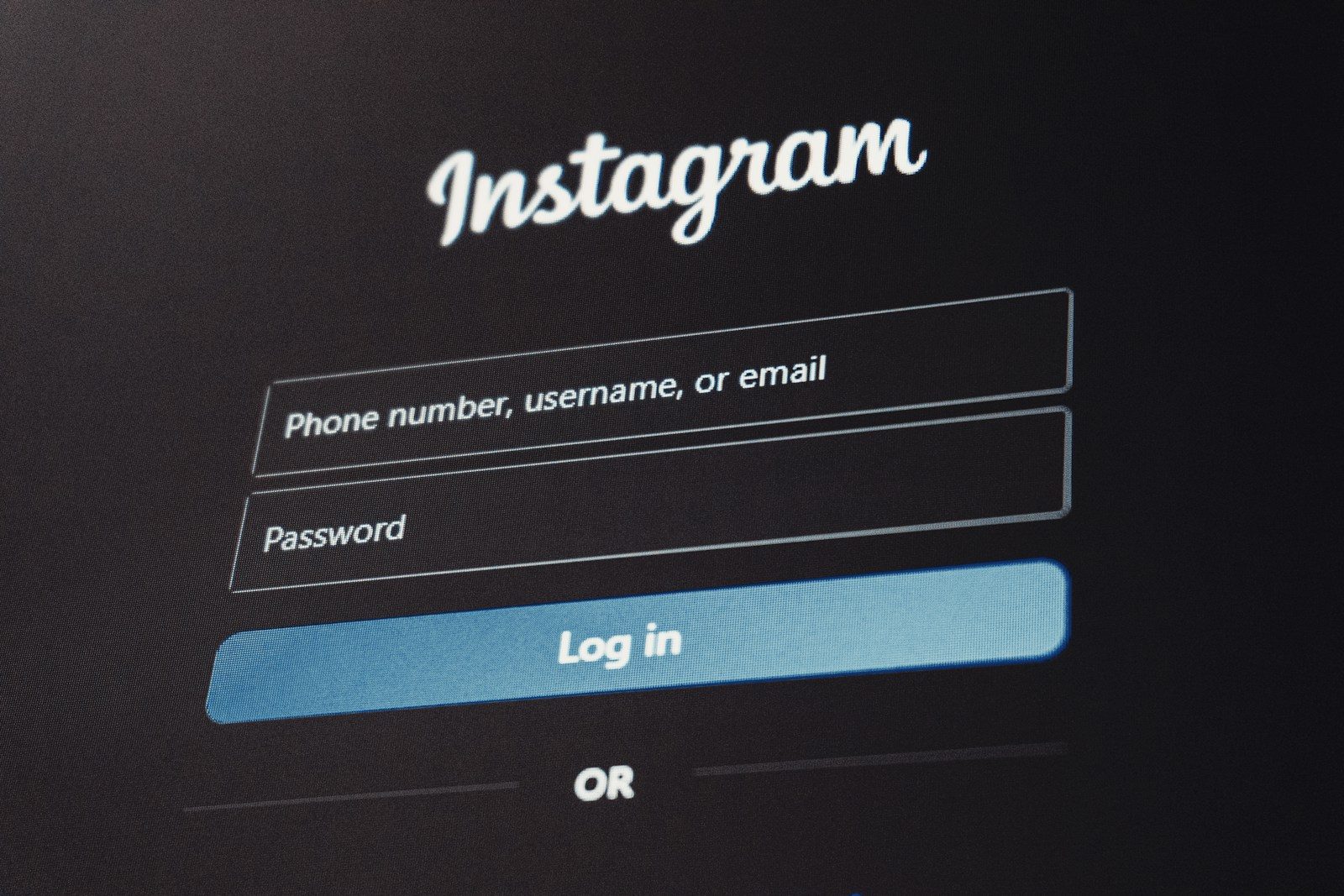
- Log into your account on a web browser.
- Go to the specific Delete Your Account page (Instagram hides this deep in the help menus).
- Choose an answer from the dropdown menu asking why you are leaving.
- Re-enter your account password to verify it is really you.
- Click the button that says Delete [Username].
Once you click that button, your profile is hidden. You have 30 days to change your mind. If you log back in during that window, the deletion request is canceled. After those 30 days, there is no turning back.
Managing Your Digital Footprint on Mobile
If you are using an iPhone, Apple’s App Store guidelines actually require apps to offer a way to delete accounts within the app.
- Open the Instagram app and tap your profile icon.
- Hit the three lines in the top right (the hamburger menu) and go to Settings and Privacy.
- Tap Accounts Center at the top.
- Select Personal Details.
- Tap Account Ownership and Control.
- Choose Deactivation or Deletion and follow the prompts.
Quick Comparison: Deletion vs. Deactivation
| Feature | Permanent Deletion | Temporary Deactivation |
| Visible Profile | Hidden immediately, then erased | Hidden until you log back in |
| Recovery | Impossible after 30 days | Possible at any time |
| Photos/Videos | Permanently removed | Saved privately |
| Username | Released for others to use | Reserved for you |
Common Mistakes to Avoid
One of the biggest errors people make is forgetting they have third-party apps linked to their Instagram. If you use your Instagram login for other websites or games, you might lose access to those accounts once the 30-day window closes. Always check your “Apps and Websites” settings to see what is connected.
Another mistake is failing to check if you have multiple accounts linked in the Accounts Center. If you intend to delete only one, be very careful that you haven’t selected your entire Meta profile, which could accidentally impact your Facebook or Threads accounts as well.
Privacy and Security Insights
According to the privacy experts at the Electronic Frontier Foundation, managing your social media presence is a key part of digital hygiene. They emphasize that while deleting an account removes it from public view, it is always wise to review what data a platform might retain for legal reasons. Similarly, the Privacy Rights Clearinghouse notes that taking these steps helps mitigate the risk of identity theft and data breaches that often target long-dormant accounts.
Pros and Cons of Leaving Instagram
Pros
- Increased productivity and less “doom-scrolling.”
- Better data privacy and a smaller digital footprint.
- Improved mental well-being by removing comparison traps.
- Breaking the cycle of seeking validation through likes.
Cons
- Loss of contact with friends who only use the platform.
- Missing out on local events or business updates.
- The permanent loss of your username and follower base.
- Losing a digital archive of your photos if you didn’t back them up.
Practical Examples of the Deletion Process
Consider a small business owner who wants to close a failed venture’s page. They should first inform their followers of the move, perhaps directing them to a new page or website. For an individual, the process is often more emotional. Many people choose to “soft delete” by deactivating for a month first. If they don’t miss the app after 30 days, they return to perform the permanent deletion. This tiered approach prevents “deleter’s remorse.”
Frequently Asked Questions
Can I delete an account if I lost the password?
You must be able to log in to delete the account. If you’ve forgotten your password, you’ll need to reset it using your email or phone number first. Instagram will not delete an account on your behalf just because you claim to own it.
How long does Instagram keep my data?
It takes 30 days for the account to be officially deleted. However, Instagram states it may take up to 90 days to remove everything from their backup systems. This data is not accessible to the public during this time.
Will my messages disappear for other people?
No. Even if you delete your account, the messages you sent to others will still stay in their inbox. However, your name will likely show up as “Instagram User” and your profile picture will disappear.
Can I use the same email for a new account later?
Yes, but only after the 30-day deletion period is fully complete. If you try to sign up too early, the system will tell you the email is still in use.
Does deleting the app delete the account?
No. Deleting the app from your phone only removes the software. Your profile remains active and visible to everyone else. You must follow the browser-based steps to actually remove the account.
What happens to my Threads account?
Because Threads is so closely tied to Instagram, deleting your Instagram account will also result in the deletion of your Threads profile. You can, however, deactivate Threads independently without affecting your Instagram.
Setting boundaries with technology is a personal journey. Whether you are gone for a month or gone for good, knowing how to delete Instagram account data ensures that you are the one in charge of your digital life, not an algorithm.