If I Look Someone Up on Instagram Will They Know?
Key Takeaways: No, if you look someone up on Instagram by searching for their profile or viewing their posts, they will not receive a notification. However, your activity becomes visible if you interact with their content (likes, comments) or view their temporary Instagram Stories and Live broadcasts.
The question if i look someone up on instagram will they know is one of the most common concerns for anyone navigating the complex world of social media privacy. Whether you are checking in on an old friend or researching a new business contact, the fear of an accidental “digital footprint” is real. The short answer is that Instagram is designed to protect your browsing anonymity when it comes to standard profile visits, but there are specific traps that can give you away instantly.
Understanding the Instagram Search Algorithm
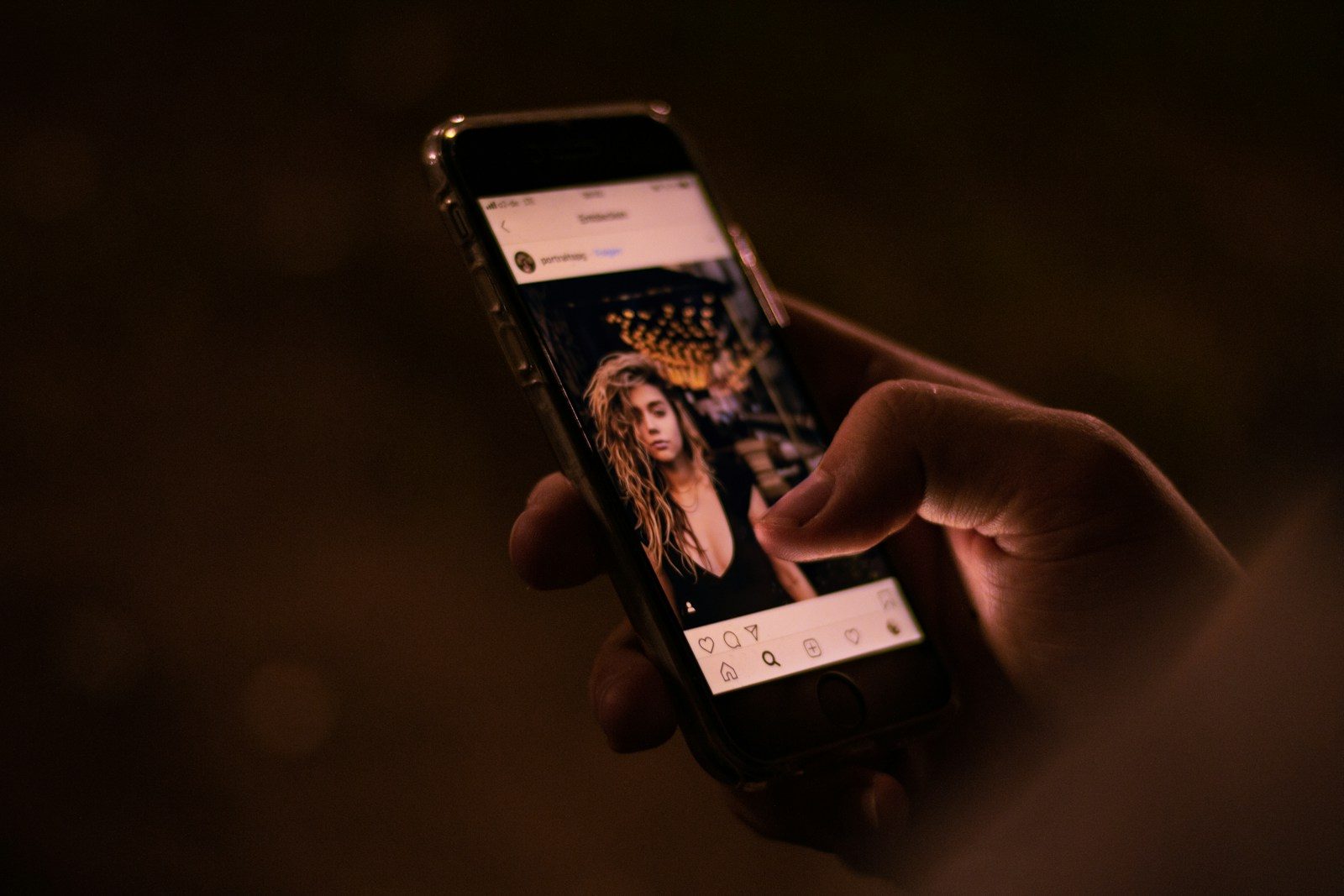
When you type a name into the search bar, Instagram keeps that data private between you and the app. The person you are searching for is never alerted that their name was entered into a search field. This is a fundamental part of the user experience; the platform wants you to explore and discover new accounts without the social friction of feeling watched.
However, your search history is saved locally on your device. This means if someone else opens your Instagram app and taps the search bar, they will see your recent inquiries. You can manage this by going to your settings and clearing your search history regularly.
Does Instagram Show Profile Views?
Unlike LinkedIn, which offers a “Who Viewed Your Profile” feature for its premium users, Instagram does not have a native tool that reveals who has visited a profile. Business accounts and Creator accounts have access to “Professional Dashboard” insights, but even these only show aggregate data. A business owner can see that 500 people visited their page this week, but they cannot see a list of names.
There is a persistent myth that the “Suggested for You” list reveals who has been looking at your page. While Instagram’s algorithm is a closely guarded secret, most experts agree that suggestions are based on mutual friends, synced contacts, and shared interests rather than just silent profile views.
When They Actually Will Know You Looked
While the search itself is private, certain actions act as an immediate broadcast of your presence. If you are worried about the question if i look someone up on instagram will they know, you need to be aware of these high-risk areas:
- Instagram Stories: This is the most common way people get “caught.” If you tap on those colorful circles at the top of the feed, the creator gets a list of every single account that viewed that specific slide.
- Accidental Likes: The “double-tap” is the bane of the silent browser. Scrolling through a post from three years ago and accidentally liking it will send a push notification to the user, even if you unlike it a second later.
- Instagram Live: Joining a Live broadcast is not anonymous. Your username will pop up in the chat stream the moment you enter the room.
- Sending a Story: If you share someone’s story with a friend via DM, the original creator may see that their story was shared, though they won’t always see exactly who you sent it to depending on privacy settings.
Common Myths Regarding If I Look Someone Up on Instagram Will They Know
The internet is full of “hacks” and third-party apps claiming they can reveal your profile visitors. It is vital to approach these with extreme caution. According to Consumer Reports, many third-party apps that claim to track profile viewers are actually designed to steal your login credentials or infect your device with malware.
Instagram’s API (the software that allows apps to talk to each other) does not provide this data to outside developers. If an app claims it can tell you who is “stalking” your profile, it is likely generating a random list based on your recent likes and comments, or it is a flat-out scam.
Safe Ways to Browse Profiles
If you want to ensure your privacy while looking someone up, follow these simple steps:
- Use a Desktop Browser: Log into Instagram via a web browser instead of the app. It is much harder to accidentally “double-tap” a photo with a mouse than it is with a thumb.
- Airplane Mode Trick: For Stories, some users load the feed, turn on Airplane Mode, view the story, and then close the app before turning data back on. This prevents the “view” from being sent to Instagram’s servers immediately.
- Third-Party Story Viewers: There are websites that allow you to view public Instagram stories without logging in. These sites act as a buffer, keeping your identity hidden.
Comparison: Private vs. Public Interactions
| Action | Will They Know? | Level of Risk |
| Searching for a username | No | Zero |
| Viewing a main feed post | No | Low (Risk of accidental like) |
| Viewing an Instagram Story | Yes | High |
| Watching a Reel | No | Low |
| Watching an IG Live | Yes | High |
| Following the account | Yes | Absolute |
Practical Examples and Common Mistakes
The “Deep Dive” Mistake:
A common scenario involves looking up an ex-partner or a rival. You scroll back to their vacation photos from several years ago. Your thumb slips, and you like a photo from 2019. Even if you unlike it instantly, if they have push notifications enabled, their phone will show: “User123 liked your photo.”
The Story Swipe:
You are viewing stories from people you actually follow, and you keep swiping right. Suddenly, you’ve swiped onto the story of someone you were trying to avoid. Once that story renders on your screen, your name is on their “Seen by” list.
Steps to Clear Your Search History
If you are worried about someone seeing your phone and discovering who you’ve been looking up, follow these steps:
- Open your Instagram profile.
- Tap the three horizontal lines (Menu) in the top right corner.
- Select Your Activity.
- Scroll down to Recent Searches.
- Tap Clear All to wipe your local history.
Privacy Settings to Consider
If you are on the other side of the coin and don’t want people looking you up, you should consider your own privacy settings. According to Instagram’s Official Help Center, switching to a Private Account is the only way to ensure that people who don’t follow you cannot see your posts, stories, or followers list.
Pros and Cons of a Private Account
Pros:
- Total control over who sees your content.
- Your name won’t appear in “Suggested” lists as often.
- You must manually approve every follower.
Cons:
- You cannot use your account for broad networking or business growth.
- Your hashtags won’t work for reaching new audiences.
- People can still see your profile picture and bio.
FAQ
Can someone see how many times I viewed their profile?
No. Instagram does not track or report the frequency of profile visits to the account owner.
If I look someone up on Instagram will they know if I have a blocked account?
If you have blocked someone, you cannot look them up unless you unblock them. If they have blocked you, they won’t appear in your search results at all.
Does Instagram notify users of screenshots?
Instagram only notifies users of screenshots taken in “Vanish Mode” or for disappearing photos sent via Direct Message. They do not notify users if you screenshot a regular post, a profile, or a standard Story.
Can I see who viewed my Instagram highlights?
For the first 48 hours after a story is posted, you can see the viewer list. After it moves to Highlights and 48 hours have passed, the viewer list disappears, and you can no longer see who is watching it.
Is there a way to look at a private profile without following?
No legitimate way exists. Any service claiming to bypass private profile settings is likely a security risk to your own account.
By understanding these mechanics, you can navigate the app with more confidence. While the system is generally built for browsing privacy, the interactive nature of social media means that “looking” can very easily turn into “interacting” if you aren’t careful. Keep your searches clean and your thumb away from the heart icon, and your secret browsing remains just that—secret.