How to Improve Selfies Without the “Plastic Face” Effect
Why Natural-Looking Selfies Matter
Modern photo editing tools make it easy to smooth skin, brighten eyes, and remove small imperfections in seconds. However, excessive retouching often creates the opposite effect: faces begin to look unnatural, blurry, and overly artificial. Instead of improving the image, aggressive filters can remove personality and real facial texture.
Today, many users prefer subtle corrections that keep photos realistic. That is why services like the face editing website by RetouchMe have become popular among people who want professional-looking selfies without the “plastic face” effect. The app combines manual editing by professional designers with modern AI-assisted tools, helping users achieve balanced and natural results.
Start With Good Lighting
Even the best editing cannot fully fix a poorly lit selfie. Natural daylight remains the easiest way to improve skin tone and facial details without heavy retouching.
To make selfies look better before editing:
- Face a window or soft outdoor light
- Avoid strong overhead lighting
- Do not use excessive beauty filters during shooting
- Clean the smartphone camera lens before taking photos
Soft lighting naturally smooths the skin and reduces the visibility of shadows or uneven texture.
Avoid Over-Smoothing Skin
One of the biggest mistakes in selfie editing is removing all skin texture. Real skin always has pores, fine lines, and natural shadows. When everything is blurred, the face loses depth and begins to look unrealistic.
Instead of trying to create “perfect” skin, focus on small improvements:
- Remove temporary blemishes
- Reduce under-eye shadows slightly
- Correct uneven lighting
- Keep natural facial contours
Professional editors usually work carefully with details rather than applying strong filters to the entire face.
Pay Attention to Color Balance
Sometimes selfies look unnatural not because of retouching, but because of incorrect colors. Very warm or cold tones can make skin appear artificial.
A few simple adjustments can help:
- Reduce oversaturated colors
- Keep skin tones neutral
- Avoid extremely bright whitening effects
- Maintain natural contrast
Balanced colors make the final image look cleaner and more professional without obvious editing.
Use Editing as an Enhancement, Not a Mask
Good photo editing should improve the original image, not completely change the person. The best selfies still look like real people — just with better lighting, cleaner skin, and more balanced details.
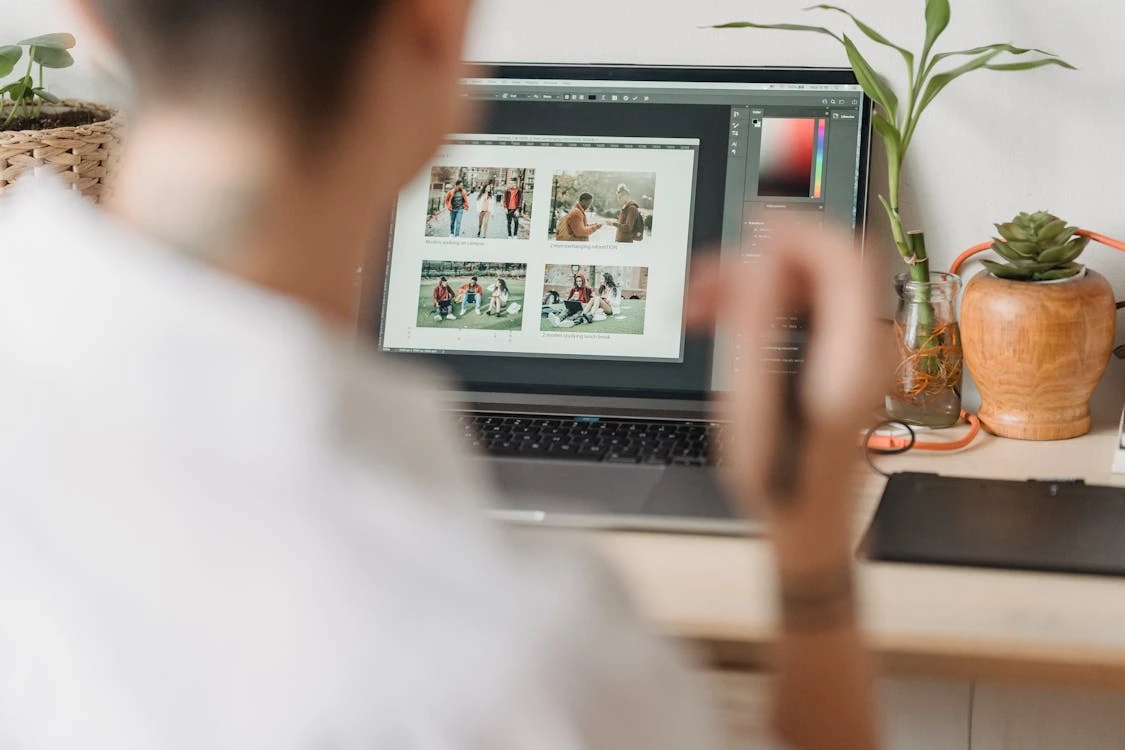
Modern editing apps allow users to quickly improve portraits while keeping facial features natural. The key is moderation. Small corrections often create a much stronger visual impact than dramatic filters or exaggerated beauty effects.
Natural-looking selfies feel more authentic, trustworthy, and visually pleasant — especially for social media, dating apps, and personal branding.