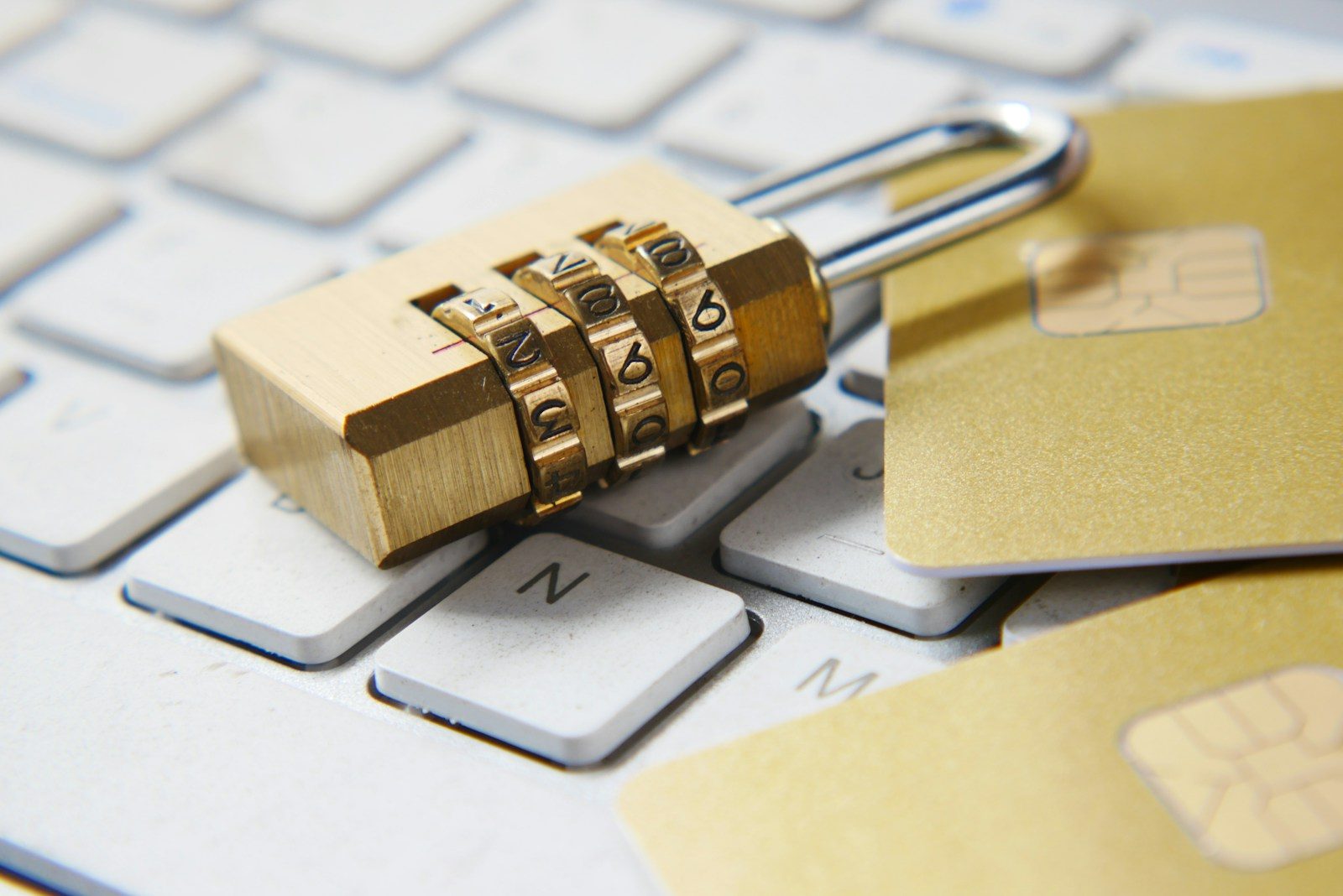
How Business Owners Can Protect Sensitive Information with Next-Gen Digital Tools
Data is one of the most valuable assets a business owns. It includes customer details, payment records, contracts, employee files, product plans, financial reports, and internal communications. For entrepreneurs, this information is not just paperwork or digital clutter. It is the foundation of trust, operations, and long-term growth.
Yet many business owners do not think about data protection until something goes wrong. A lost laptop. A hacked account. A former employee with access to old files. A damaged hard drive. A misplaced box of documents. These issues can quickly become expensive and disruptive.
Modern technology gives entrepreneurs more ways to protect sensitive information than ever before. But tools alone are not enough. Business owners also need clear habits, reliable systems, and a practical understanding of where their data lives.
The good news is that data protection does not have to be complicated. With the right approach, small and growing businesses can reduce risk, stay organized, and build stronger safeguards around the information that matters most.
Start by Knowing What Data You Have
Before you can protect your data, you need to know what you are protecting.
Many businesses collect information every day without creating a clear inventory. Customer forms go into one platform. Invoices sit in accounting software. Contracts are saved in email threads. Employee records may be stored in cloud folders, filing cabinets, or payroll systems.
This scattered setup creates risk. If you do not know where sensitive information is stored, you cannot fully control access to it.
Start by listing the main types of data your business handles. This may include customer contact details, billing information, tax records, legal documents, vendor agreements, employee files, marketing data, and proprietary business materials. Then identify where each category is stored.
Ask simple questions. Is this data digital or physical? Who can access it? How long do we need to keep it? Is it backed up? Is it encrypted? Should it be deleted after a certain period?
This step may feel basic, but it is powerful. A clear data map helps you make better choices about software, storage, permissions, and security procedures.
Use Cloud Storage with Strong Security Controls
Cloud storage has become a normal part of business life. Entrepreneurs use it to save documents, share files, collaborate with teams, and access information from anywhere. This flexibility is useful. It can also be risky when cloud folders are poorly managed.
A secure cloud system should include multi-factor authentication, user permissions, encryption, automatic backups, and activity logs. These features help prevent unauthorized access and make it easier to spot unusual behavior.
Do not give every employee full access to every folder. Instead, use role-based permissions. A sales representative may need access to proposals and customer notes, but not payroll records. A contractor may need project files, but not internal financial documents.
Review access regularly. Remove users who no longer work with your business. Update permissions when roles change. This is especially important for remote teams, freelancers, and temporary workers.
Cloud tools are convenient, but they should not be treated like a shared junk drawer. Keep folders organized. Name files clearly. Archive outdated materials. Delete duplicate or unnecessary documents when appropriate.
Strengthen Passwords and Login Protection
Weak passwords remain one of the easiest ways for attackers to enter business systems. Entrepreneurs are often busy, and it can be tempting to reuse simple passwords across several platforms. That is a serious mistake.
Every important account should have a unique, complex password. A password manager can help create and store them safely. This is much better than saving passwords in spreadsheets, browsers, or notes apps.
Multi-factor authentication should also be enabled wherever possible. This adds another step to the login process, such as a code from an app or a biometric confirmation. Even if a password is stolen, the extra layer makes unauthorized access much harder.
Email accounts deserve special attention. They are often connected to banking, software, customer accounts, and internal systems. If someone gains access to a business email account, they may be able to reset passwords for many other services.
The National Institute of Standards and Technology offers widely respected cybersecurity guidance that businesses can use as a reference when building stronger digital security practices.
Good login protection is not exciting. It is routine. But routine safeguards often stop the most common problems.
Protect Physical Documents, Not Just Digital Files
Modern data protection often focuses on software, passwords, and networks. That makes sense. Still, many businesses continue to rely on physical records.
Paper documents can contain highly sensitive information. Tax forms, contracts, employee files, medical records, signed agreements, bank statements, and client files all need careful handling. A locked office cabinet may not be enough, especially as a business grows.
Physical records should be stored in a secure, organized, and controlled environment. Access should be limited to people who truly need it. Important documents should be protected from theft, fire, water damage, and accidental loss.
This is where professional storage solutions can help. Businesses that need to preserve important files while keeping them accessible may benefit from archive record storage as part of a broader information management plan.
The goal is not just to save space. It is to create order. Proper document storage makes it easier to find records when needed, meet retention requirements, and reduce the chance of sensitive paperwork ending up in the wrong hands.
Digital security and physical security should work together. A business that protects its cloud files but leaves confidential papers exposed still has a serious gap.
Keep Software and Devices Updated
Outdated software can create security weaknesses. Hackers often look for known flaws in older systems. Once a weakness is public, attackers may try to exploit businesses that have not installed updates.
Business owners should keep operating systems, browsers, apps, antivirus tools, plugins, and business software up to date. Automatic updates can help, especially for small teams without dedicated IT staff.
Devices matter too. Old computers, phones, routers, printers, and external drives may create risk if they are no longer supported. If a device cannot receive security updates, it may be time to replace it.
This does not mean every business needs the newest technology all the time. It means entrepreneurs should avoid running critical operations on neglected systems.
Create a simple update schedule. Check key tools monthly. Replace unsupported devices. Remove software you no longer use. Fewer tools can mean fewer weak points.
Train Employees on Data Safety
Technology can do a lot, but people still play a major role in data protection. Employees may accidentally click phishing emails, share files with the wrong person, use weak passwords, or store documents in unsafe places.
Training helps reduce these mistakes.
Keep the training practical. Teach employees how to recognize suspicious emails, create strong passwords, report lost devices, handle customer data, and share files securely. Explain what information is sensitive and why it matters.
Avoid turning security into a confusing list of rules. People are more likely to follow procedures when they understand the reason behind them.
Training should happen more than once. New employees need onboarding. Existing employees need refreshers. When new tools or policies are introduced, explain them clearly.
A security-aware team is one of the best defenses a business can have.
Monitor Systems and Respond Quickly
Even with strong safeguards, no business is completely risk-free. That is why monitoring is important.
Modern tools can alert business owners to unusual login attempts, suspicious file activity, malware, failed access attempts, and system changes. These alerts can help stop small issues before they become major incidents.
Business owners should also create a basic response plan. Who should be notified if data is lost or exposed? Which systems should be checked first? How will customers, partners, or employees be informed if necessary?
A response plan does not need to be overly complex. It should be clear enough to guide action under pressure.
Speed matters. The faster a business responds to a data problem, the better its chances of limiting harm.
Final Thoughts
Protecting sensitive information is not only a technical task. It is a business responsibility.
Entrepreneurs need to understand what data they collect, where it is stored, who can access it, and how it is protected. Modern technologies make this easier through cloud security, encryption, password managers, monitoring tools, and automated backups. But these tools work best when supported by clear policies and careful habits.